People and AI.
Work, together.

HDATF builds software engines that help people and AI work faster and more efficiently to maximize productivity and business performance.

ATF Works

ATF Works is the daily workspace. LabChin extends it to research.

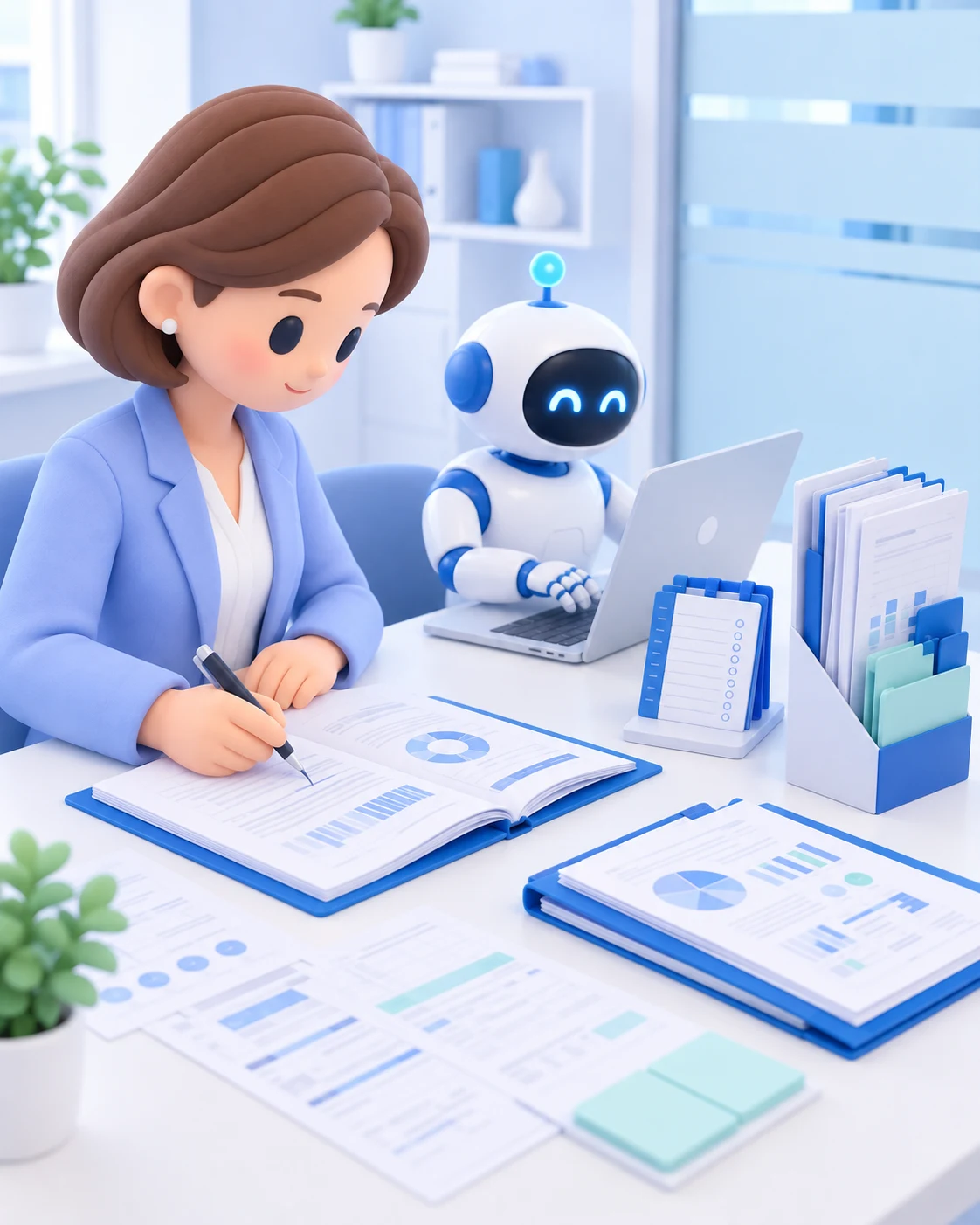
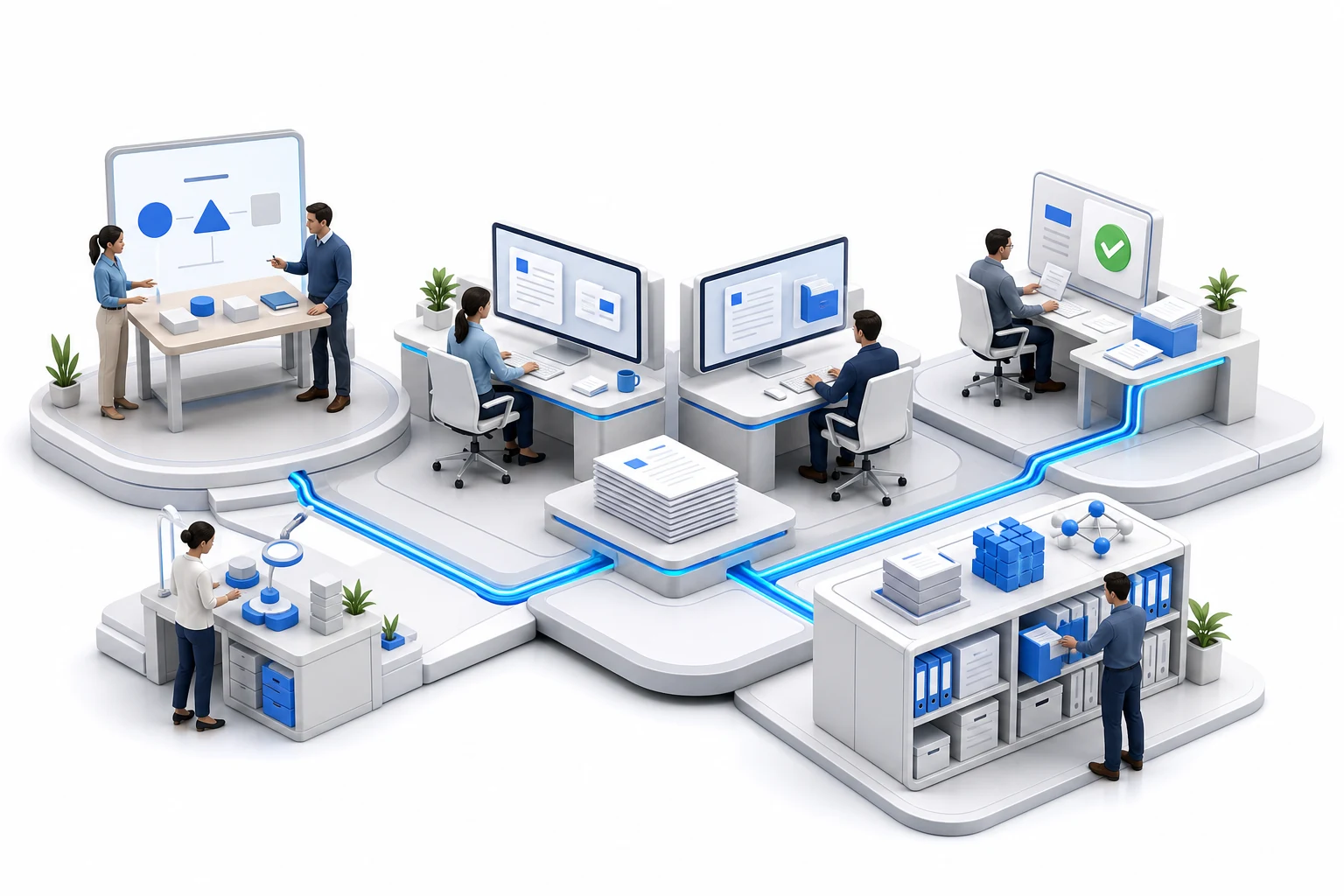
Generated illustration of a connected workplace with team planning, AI-assisted desktop work, human review, and shared knowledge archives

Connected work, from plan to next step

  1. 01

    Plan

    Start with a shared goal.

    Keep the purpose, owner, deadline, and expected outcome together. Give people and AI a clear starting point.

    A plan people can act on

  2. 02

    Connect

    Bring the context with the task.

    Find relevant discussions, documents, and earlier decisions without asking the team to repeat them.

    The information needed to begin

  3. 03

    Act

    Move the work forward.

    People decide what happens next. AI helps prepare information and updates within the permissions and features available.

    A clear next action

  4. 04

    Record

    Keep what happened and why.

    Link completed work, decisions, and supporting records to the task. Reduce the effort of reconstructing a status report.

    A record that keeps its context

  5. 05

    Reuse

    Let the next task start ahead.

    Make useful records available to the next person. Build on prior work while respecting retention and access rules.

    Knowledge the team can use again

People and AI need a shared way to work.

A task needs a clear goal, the right information and tools, and a person to review the result. HDATF builds a common foundation so these stay connected when people or tools change.

Explore the platform

Different roles on the same foundation

Shared work

ATF Works connects projects, tasks, documents and records. People and AI can keep their assignments and results attached to the same work.

AI execution

Pleroma Harness is our planned desktop environment for AI to use information and tools and continue its work. External AI tools are part of this direction.

Company knowledge

Company Brain is designed to connect original information, current knowledge and access permissions. Sources and reasons for changes should carry into the next task.

We provide the foundation. We also intend to work on it.

Customers can use the platform with adoption and operating support. They can also discuss entrusting a defined task to our team. We intend to use the same foundation for our own research and business, turning proven methods into reusable capabilities. Scope, expertise and responsibility are defined for each task.

Discuss a task and how to work together

Which work should we start with?

Examples for discussing a first task, not customer case studies. We agree on available information, the reviewer and the scope before starting.

01A company adopting AI

A weekly work review for one team

Accounts and training are in place, but recurring work still needs an owner and an operating process.

Result to review
A report draft with progress, open questions and supporting records.
What is needed
Work records, a report format and an internal reviewer.
How to evaluate it
Continued use, review time and connection maintenance cost.
Human judgment
The team verifies the report and decides follow-up actions.

Discuss this work
02Professional services

One clearly scoped research assignment

Drafts are produced, but experienced staff still spend time finding sources and rewriting them.

Result to review
A sourced analysis draft, issues for review and missing information.
What is needed
Client materials, permitted prior work and company analysis criteria.
How to evaluate it
Total drafting and revision time, and whether sources support conclusions.
Human judgment
The project owner approves external submissions.
Discuss this work
03Technical sales

Prepare one request for quotation review

Sales, engineering, purchasing and production each need to check the request. Prior quotes still require someone to explain the conditions.

Result to review
Requirements, comparable cases, departmental checks and a proposal draft.
What is needed
The request, previous quotes and technical documentation.
How to evaluate it
Preparation and review time, and missed technical conditions.
Human judgment
Final price, delivery dates and supply feasibility.
Discuss this work
04Quality teams

Review one incident with available records

Production records, test results and work logs need to be collected again whenever an incident occurs.

Result to review
Relevant records, possible causes, further checks and a report draft.
What is needed
Access to production and test records, with the connection scope agreed.
How to evaluate it
Report preparation and review time, missing records and support for conclusions.
Human judgment
Cause confirmation, actions on site and shipment decisions.
Discuss this work
05Research teams

Compare candidates for one research question

Papers, patents and experimental records accumulate, but choosing the next experiment still takes time.

Result to review
Evidence and conditions for each candidate, uncertainties and small validation options.
What is needed
A research question, existing materials and a domain expert to review the result.
How to evaluate it
Total research and review time, missed conditions and wrongly excluded candidates.
Human judgment
Final research decisions and responsibility for experiments.
Discuss this work

The work.
All in view.

ATF Works brings plans, projects, records, and communication into one working context. AI helps inside the workflow, with access limited by each person's permissions.

Current product capabilities

Calendar

Plans and progress, in the same place.

See planned tasks and completed work on one calendar. Give the team a common view of what is coming and what actually happened.

  • Planned tasks and deadlines
  • Completed work and daily logs
  • Team visibility without another status document

Projects

A task carries its context.

Organize project work by ownership, status, and milestones. Move between the workboard and the wider project plan without losing the task.

  • List, board, and timeline views
  • Project milestones and ownership
  • Documents and wiki content alongside the project

Assistant

AI works with the information it can access.

Ask about permitted work, organize tasks, and prepare daily logs or wiki drafts. Assistant actions depend on the permissions and features enabled for your organization.

  • Find relevant tasks and records
  • Prepare updates and written summaries
  • Schedule recurring assistant work where enabled
Open ATF Works

Beyond the board

  • Daily work logs
  • Approvals
  • Messages
  • Shared wiki
  • Documents
  • Recurring assistant tasks

OPEN

Open agent integrations

Bring your AI
into the workflow.

Your choice of AI should not limit how your team works. Connect agents through work APIs and command-line tools, and keep their outputs with the work.

  • Execution adapter

    Anthropic

    Claude Code

    From a work request to working code.

    Claude Code works in the terminal and editor. It reads project files, changes code, and runs tools as part of a task.

    Tool interfaces
    Terminal / IDE
    Explore the official product
  • Execution adapter

    OpenAI

    Codex

    Give a coding agent the context of the work.

    Codex inspects a repository, edits files, and runs commands. Its CLI and SDK provide ways to put coding tasks into a larger workflow.

    Tool interfaces
    CLI / SDK
    Explore the official product
  • Execution adapter

    Nous Research

    Hermes

    Keep useful context between tasks.

    Hermes combines tools, persistent memory, and reusable skills. Its focus extends beyond a single coding session.

    Tool interfaces
    CLI / Tools / Skills
    Explore the official product
  • API / CLI extension

    Earendil

    Pi

    Make the agent fit your way of working.

    Pi is an extensible coding agent with terminal, RPC, and SDK modes. Extensions can add tools and adapt how a session behaves.

    Tool interfaces
    CLI / RPC / SDK
    Explore the official product
  • API / CLI extension

    Prime Intellect

    Prime Agent

    Let code and analysis share a session.

    Prime Agent uses a stateful Python environment to work with tools and data. Variables and intermediate results can carry across steps.

    Tool interfaces
    CLI / Python
    Explore the official product
  • API / CLI extension

    DeepSeek

    DeepSeek Harness

    Build the agent around the tools you need.

    DeepSeek Harness organizes its runtime around plugins. Its official interface exposes sessions, tool calls, and execution traces. It is in developer preview.

    Tool interfaces
    CLI / SDK / ACP
    Explore the official product
  • In development

    HDATF

    Pleroma Harness

    A harness built around your work.

    HDATF's own harness is the execution foundation for AI work. The direction lets AI choose tools and methods, preserve work state, and use verified results to refine the next step.

    Tool interfaces
    Desktop
    Explore self-evolving work
  • Your next agent belongs here, too.

    The choice stays open. An agent that can call work APIs or command-line tools can be connected to the same work context.

Connection to ATF Works

Adapters are present for Claude Code, Codex, and Hermes. Pi, Prime, and DeepSeek Harness are extension paths, not preconfigured integrations. Each connection needs setup and validation. Product names and images identify their respective owners, not a partnership.

Work APIs and command-line tools
Read permitted tasks and records. Create or update work through authenticated connections with the access granted to each tool.
Approved external tools through MCP
MCP is a shared protocol for AI tools. The workspace can load enabled tools from approved external MCP servers.

WORK APP CONNECTIONS

Keep the work apps you use.
Connect them in one place.

We are expanding connections to mail, documents, calendars and chat. This directory lists candidate apps. Authentication, permissions and tool execution are checked for each integration before adoption.

Candidate app directory (1482)

Showing 24 of 1482

  • Gmailcollaboration & communication
  • Google Calendarscheduling & booking
  • Google Drivedocument & file management
  • Google Docsdocument & file management
  • Google Sheetsproductivity & project management
  • Google Chatcollaboration & communication
  • Google Analyticsanalytics & data
  • Google Adminproductivity & project management
  • Outlookcollaboration & communication
  • One drivedocument & file management
  • Share pointcollaboration & communication
  • Exceldata & analytics
  • Microsoft teamscollaboration & communication
  • Microsoft To Doproductivity & project management
  • Microsoft Power Bianalytics & data
  • Slackcollaboration & communication
  • Notionproductivity & project management
  • Confluencecollaboration & communication
  • Jiraproductivity & project management
  • Atlassian MCPproductivity & project management
  • GitHubdeveloper tools & devops
  • Gitlabdeveloper tools & devops
  • Bitbucketdeveloper tools & devops
  • Linearproductivity & project management
Page 1 of 62

ZDR

Zero Data Retention

Work with AI.
Keep your standards.

We will define access permissions, external data sharing, and retention with your team from the start. Before connecting AI to your work, we will agree which information it should use and how it should be handled.

Agree on external sharing before connecting
Using an external AI service can send work content outside the workspace. During setup, we will review the destination and data scope with your team. ZDR limits provider retention; it does not prevent transmission.
Limit what AI providers retain
An administrator can enable Zero Data Retention (ZDR) for supported AI connections. Requests then use only endpoints with a no-retention policy. This option is not enabled by default.
Keep work records under your access rules
Work data and conversation history are stored separately by the service, with access governed by workspace permissions. Provider ZDR does not erase these records.

Where the policy applies

ZDR applies only to supported AI processing. External tools and personal AI accounts have separate data policies. We will review logging and temporary storage for each connection during setup.

ZERO DATA RETENTION

More AI choices.
The same retention standards.

Connect to supported routes from 50 providers that do not retain inputs and responses.

Applies to supported models and connection settings. Work records are stored separately.

Before committing more time

Check the direction. Then commit the time.

LabChin is being developed to help researchers avoid time lost to unchecked assumptions and repeated mistakes. We start with the question that could change the research direction, then choose the simplest valid check. Literature, a small calculation, code, simulation or a preliminary experiment may provide the evidence needed.

Research decision workflow in development

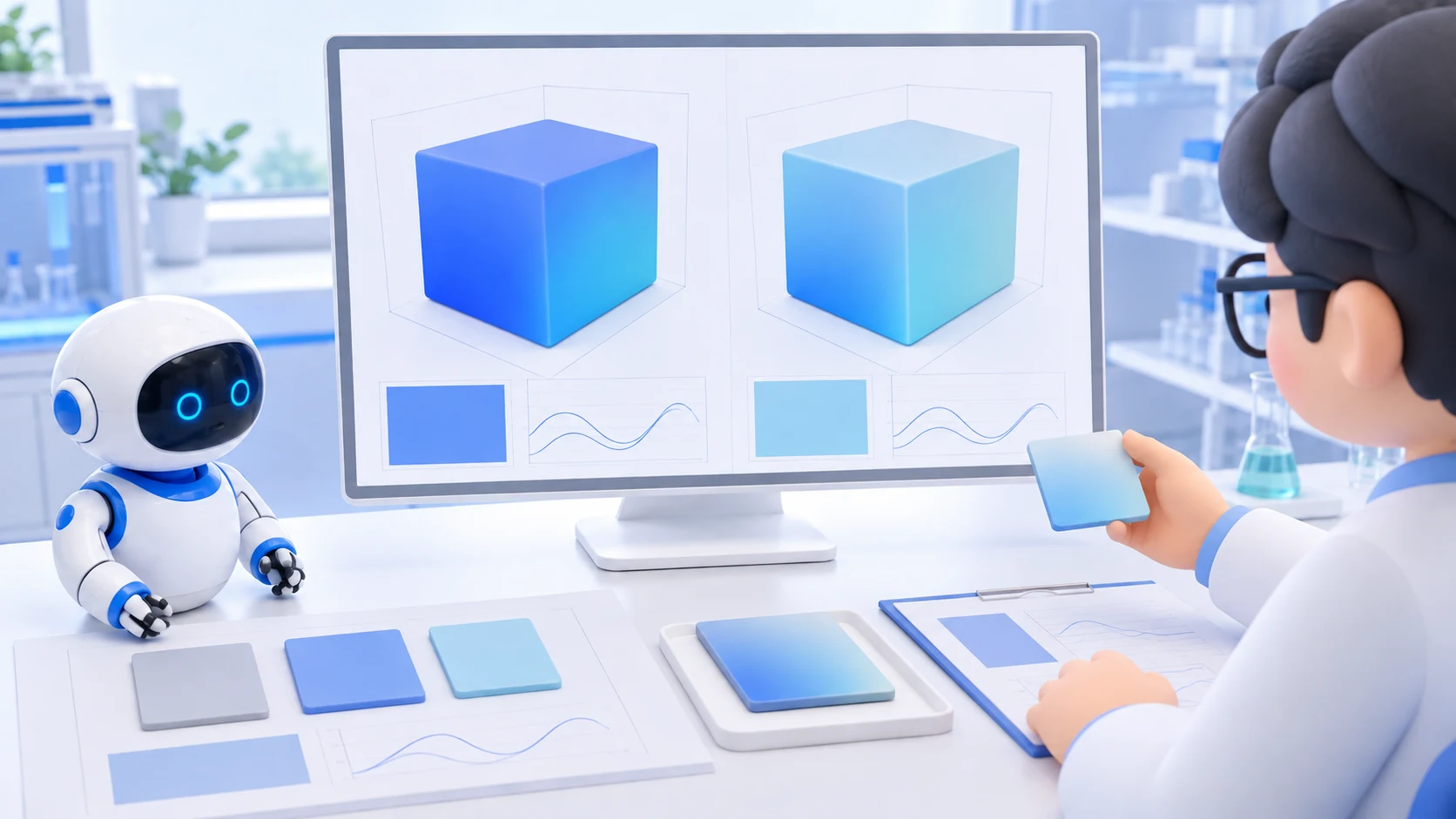
Concept illustration of AI organizing research candidates, a simulation engine comparing material models, and a researcher selecting a sample for an experiment.
Simulation is one way to obtain evidence when the research question needs it.
  1. Find the assumption that matters

    Check whether the expected effect is possible, the conditions match, side effects cancel the benefit, and the experiment can distinguish the difference.

  2. Choose the smallest valid check

    Use source review, a simple calculation, a small code run, simulation or a preliminary experiment as needed. Physical evidence cannot be replaced by an AI explanation.

  3. Update the decision with evidence

    Recommend continuing, revising, holding or stopping, with the applicable conditions. If evidence is insufficient, hold the decision and state what would resolve it.

  4. Keep the reasoning reusable

    Separate original material, AI interpretations and code, execution results, and human edits or approvals. Preserve failed conditions and remaining questions for the next task.

Work that builds
on experience.

Our next step for ATF Works is self-evolving work: AI uses verified results to refine the next plan and test better ways to get the job done.

Self-evolving work / in development
Concept illustration of a person and AI reviewing a monthly report and organizing verified methods and evidence for the next task.

Start from what is known.

Bring together the goal, current records, and relevant experience. Choose a manageable next step and define what a good result looks like.

Check what actually changed.

Inspect the output and the work it affected. Carry unfinished work into the next plan while preserving results that have already passed review.

Build on what proves useful.

Test a better method before reusing it. Keep its evidence and history so the next task can start from a verified approach.

A monthly report, with a better starting point.

In the workflow we are developing, AI checks this month's records, prepares the report, and repairs gaps found in review. A useful checking method can then be tested for reuse next month, while the figures are checked again against current records.

This is our development direction. People set goals and approve consequential actions. Reusable methods, memory, and outputs can change; this does not mean the AI model trains itself on company data.

See how work improves

Protect research time
by checking the direction.

LabChin is the research module we are developing on ATF Works. It aims to catch consequential assumptions before costly work and avoid repeating failures without learning. The intended result is a reviewable decision with evidence, uncertainty and a next action.

Research module in development

Explore a research example

Generated illustration of researchers reviewing samples and records in a bright laboratory

One result. The context needed to understand it.

Raw data, parameters, and execution history.

Linked research context

Connect papers, samples, equipment, parameters, and results. A knowledge graph records their relationships so a result can be understood in context.

Workflows checked before execution

Compose typed, low-code blocks. Check that one step produces the inputs the next step expects before a research workflow runs.

Equipment connected through its manuals

Use equipment documentation to help prepare connector blocks. Each integration still needs validation against the actual device and its operating limits.

Research that proposes a next step

Compare outside research with prior experiments and suggest approaches for human review. Reuse existing domain models first. Train only when a validated need remains.

A result should come with its history.

An experiment package designed to bring source files, equipment conditions, parameters, and execution records together.

AI prepares.
People decide.

People set goals and make important decisions. AI helps find information, compare options, organize records, and check what is missing. Our workflow design keeps consequential execution subject to human review.

Generated illustration of a researcher reviewing papers prepared with an AI assistant
  1. AI preparesEvidence and proposal
  2. People reviewApprove or revise
  3. Approved workExecute and record

Papers that inform what we build.

Browse the papers behind our ongoing AI research. Each entry keeps its summary and original-source links.

Explore the paper archive

English titles and summaries. Ordered by archive number, not publication date.

External research summaries. These are not HDATF publications or measured product results.

Start with a task. Keep the operation connected.

Agree the task, budget and scope of support. Connect the required data and tools, then review operation, usage and results as the work continues.

  1. 01

    Choose the work

    Find a recurring task where information gets lost or people repeatedly rebuild the same context.

  2. 02

    Define the pilot

    Agree on the data, integrations, people, and review criteria. Make the boundaries explicit before implementation.

  3. 03

    Operate and improve

    Review progress, output, usage and cost. Resolve what fails and reuse verified methods in the next task.

Bring the question.
Let's connect the work.

Discuss a platform and support plan for your company’s work. We will agree the adoption scope, operating responsibilities and costs.

Start a conversation